Account and Data Deletion
Last updated: November 10, 2026
Request by email
Send your request to [email protected]. Include your registered email address, relevant company connection and request scope. Do not send passwords, access keys or a customer database.
Request by emailThe email button opens your mail application. This page does not submit a request or delete your account by itself.
Request through the app
The screens below are illustrative. Follow the explanation shown in the version you are using before taking action.
1Sign in to your account
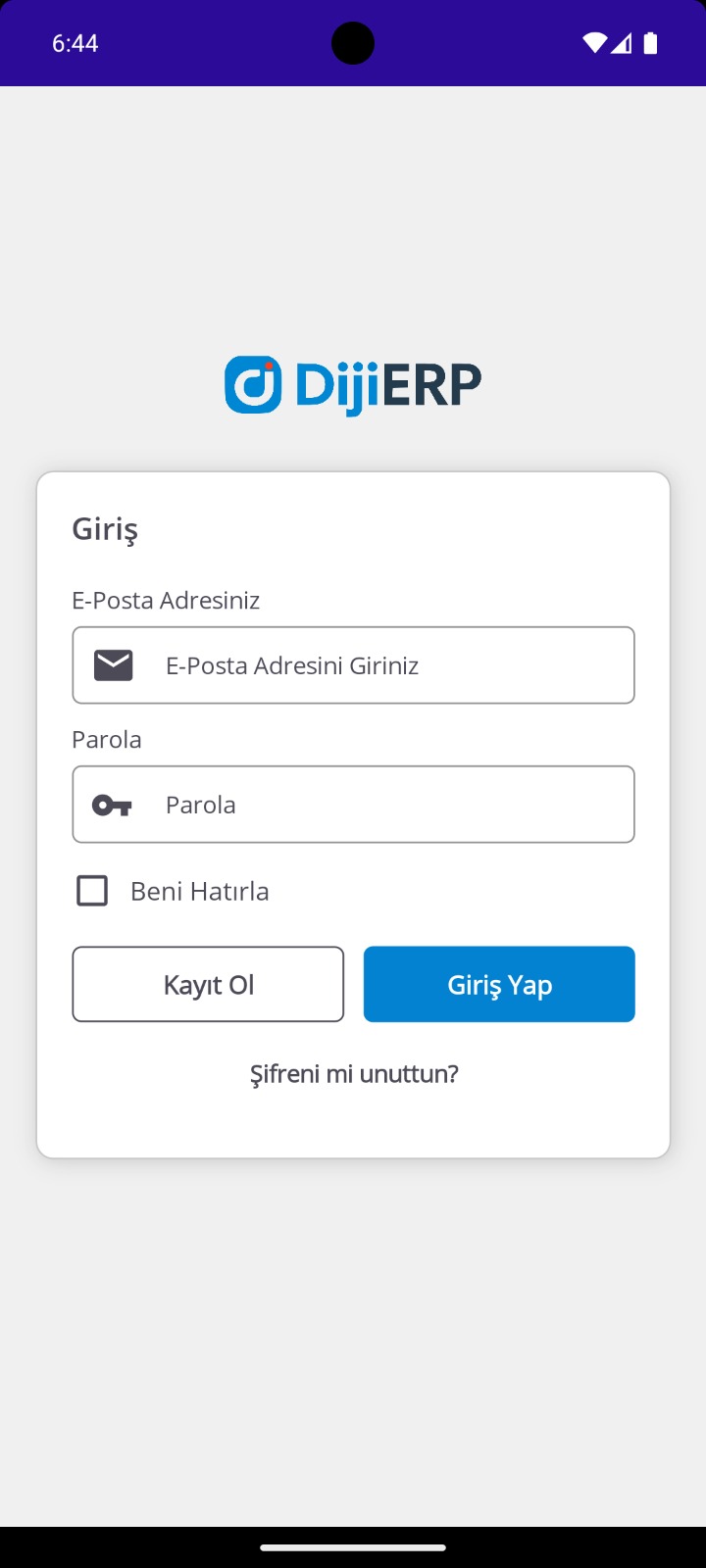
Sign in with your own account. If you cannot sign in, use the email method below.
2Check the relevant company
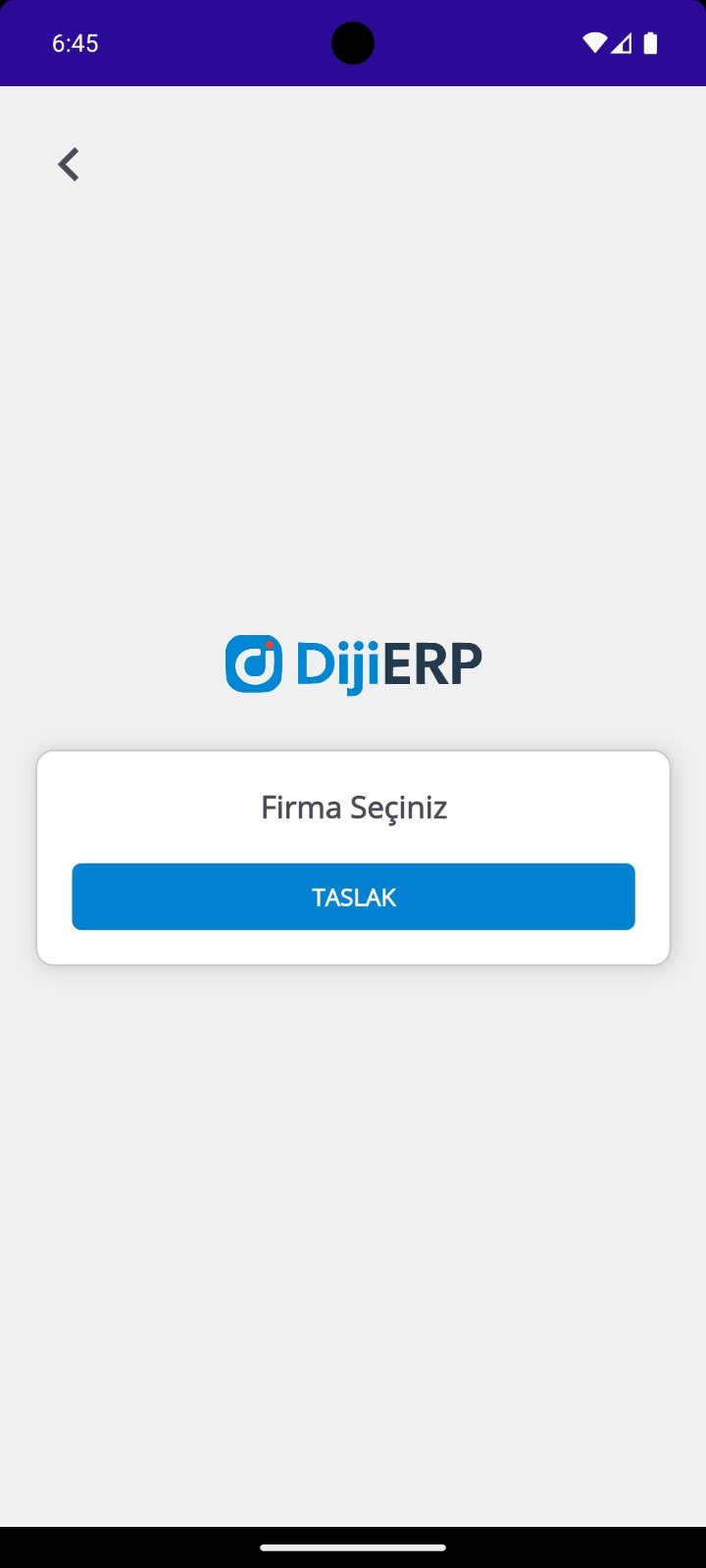
Identify the account or company connection covered by your request. Contact your company administrator about corporate records.
3Open settings
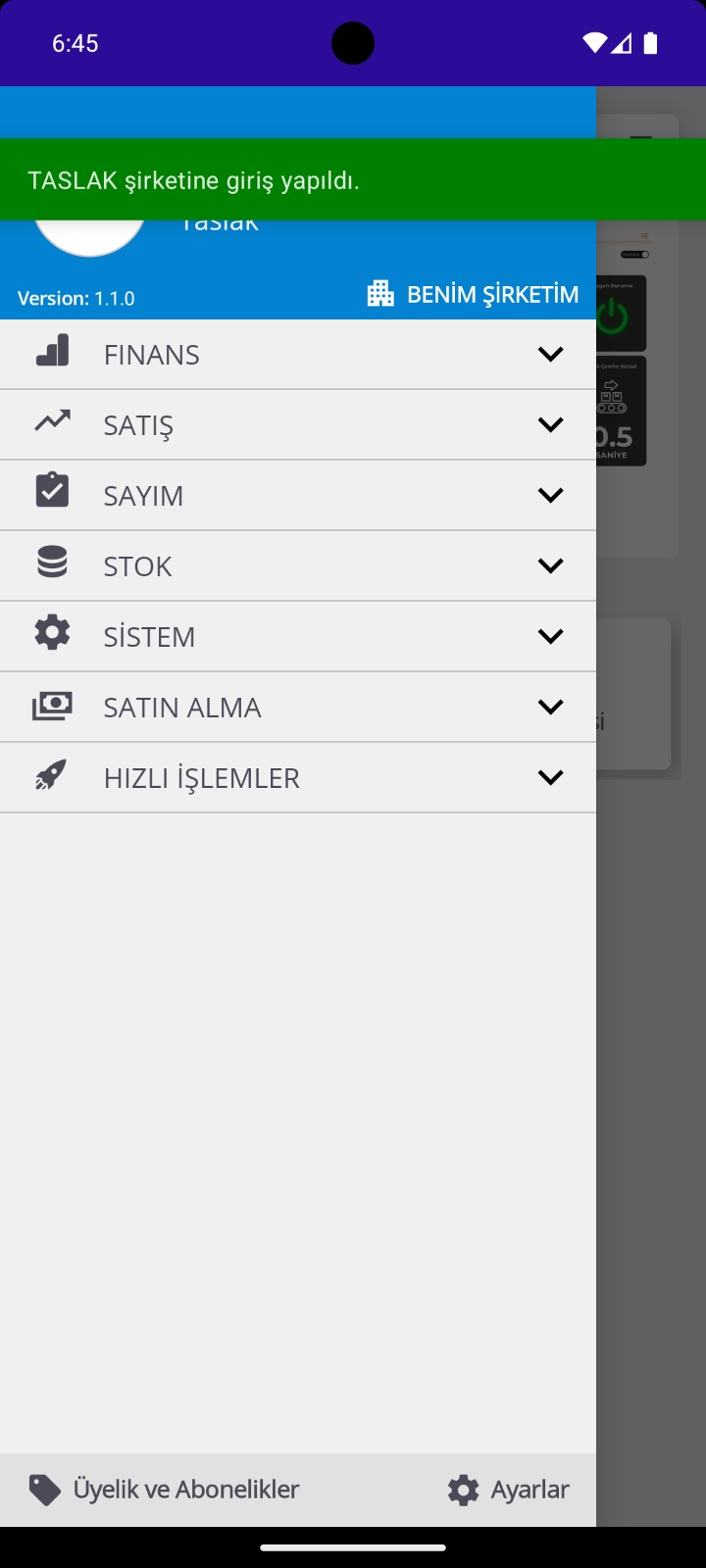
Check the account settings in your version of the app. Menu names may vary between versions.
4Review the deletion scope
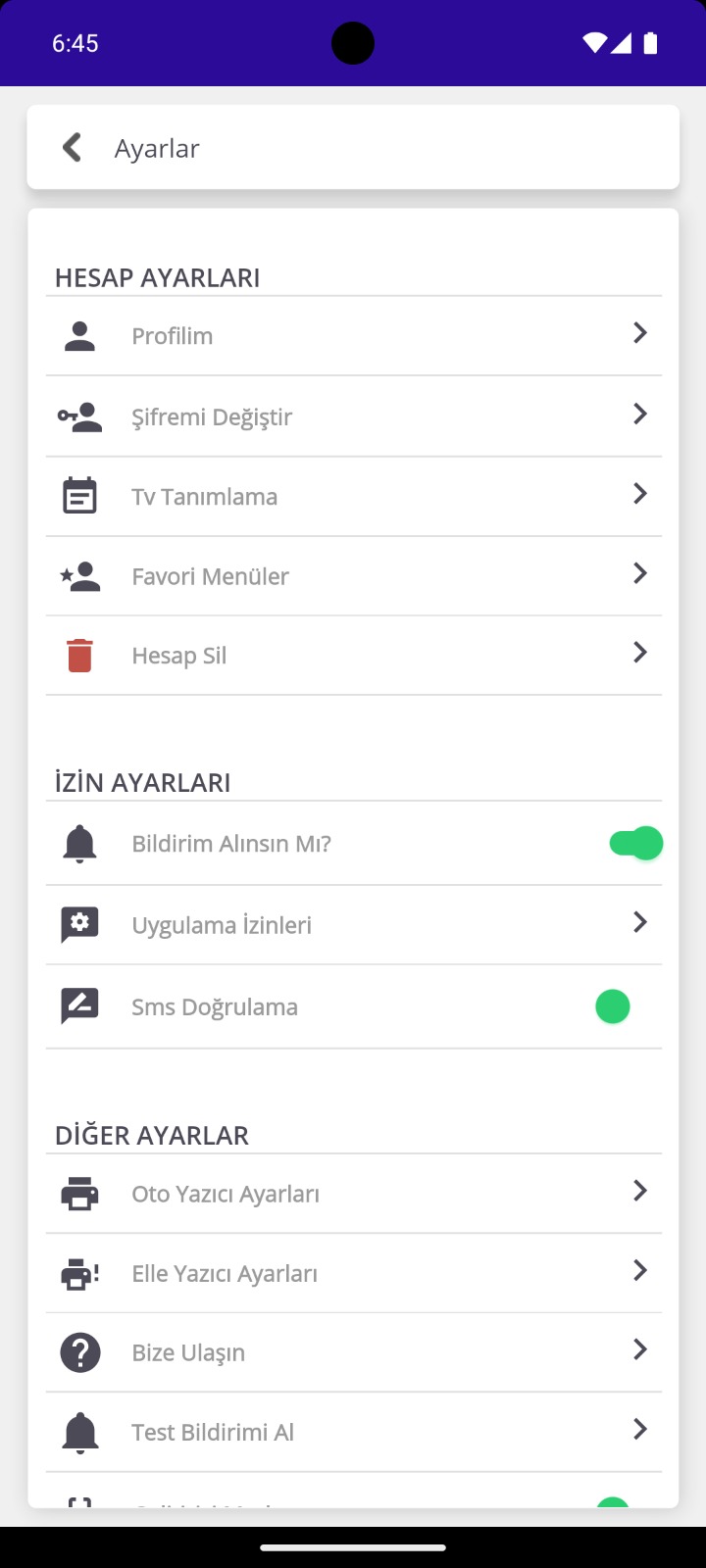
If Delete Account is available, read the on-screen explanation and submit your request. If it is unavailable or unclear, use the support email.
Request scope and retained records
Requests about account access and personal data are assessed separately from the customer organization's ERP records, other users' data and records that must be retained by law. Closing an individual account does not automatically delete all of the customer company's ERP documents or transaction history.
Account/profile details, user connections and relevant personal data are considered when determining scope. You may request information about records retained for legal obligations, contractual requirements or the protection of rights.
After your request
Additional information may be needed to verify that you are the requester. The scope, retention obligations and applicable time limits are assessed, and you are informed of the process and outcome. Completed deletion may be irreversible. Clarify the scope and any cancellation options with support before completion.
For more information, see the Privacy Policy and Company and Contact pages.